Hinge Angle Meter
for iPhone Duo.
A practical guide to measuring hinge angles, level, target angles and AR distance with Hinge Angle Meter for iPhone Duo.
Listed on the App Store as Hinge Angle Meter. Public availability was verified in the United States and Chile on October 19, 2026.
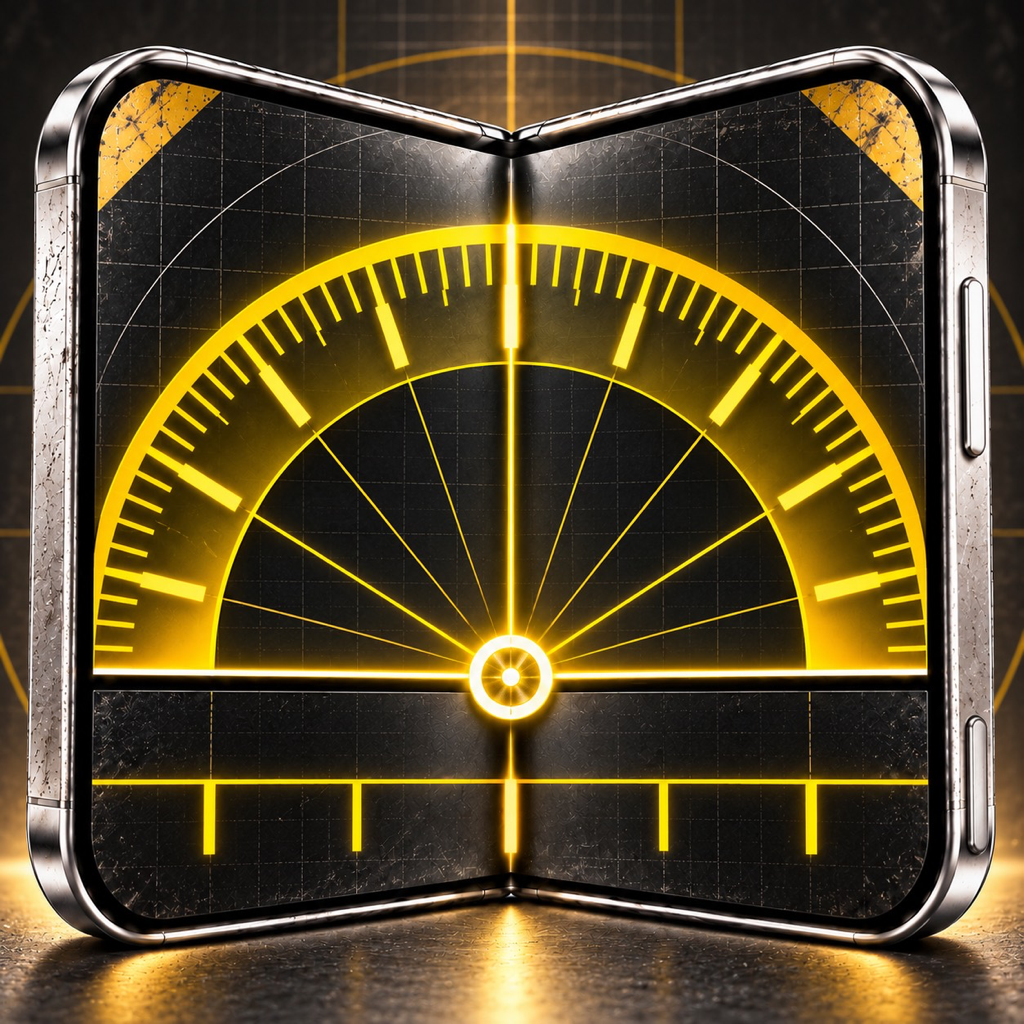
Turn the hinge into a practical angle tool.
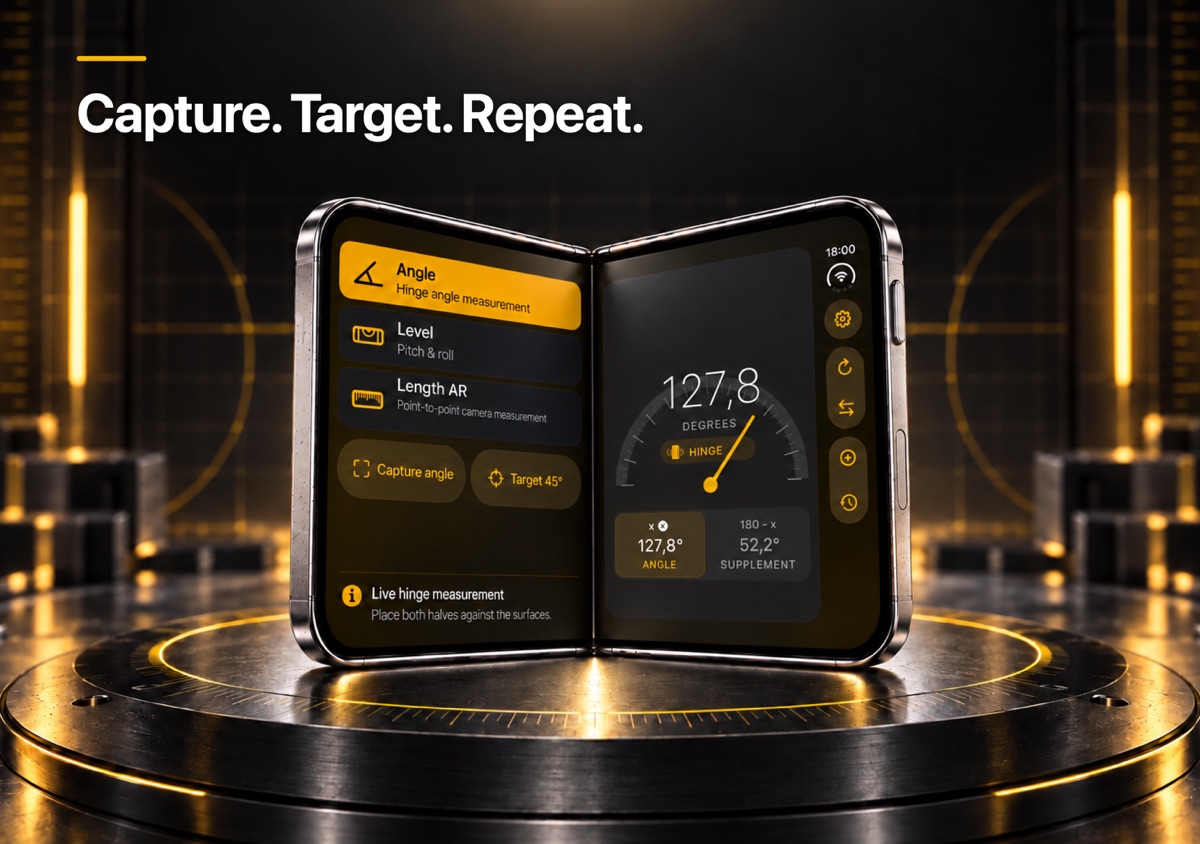
On a supported folding device, Hinge Angle Meter reads the physical hinge and shows the angle live. That makes the device useful as a compact digital bevel gauge for quick setup, alignment and repeatable angle checks.
Hinge Angle Meter also includes tools that remain useful beyond the hinge: a two-axis level, target-angle helpers, an AR distance ruler, measurement history and an Apple Watch companion.
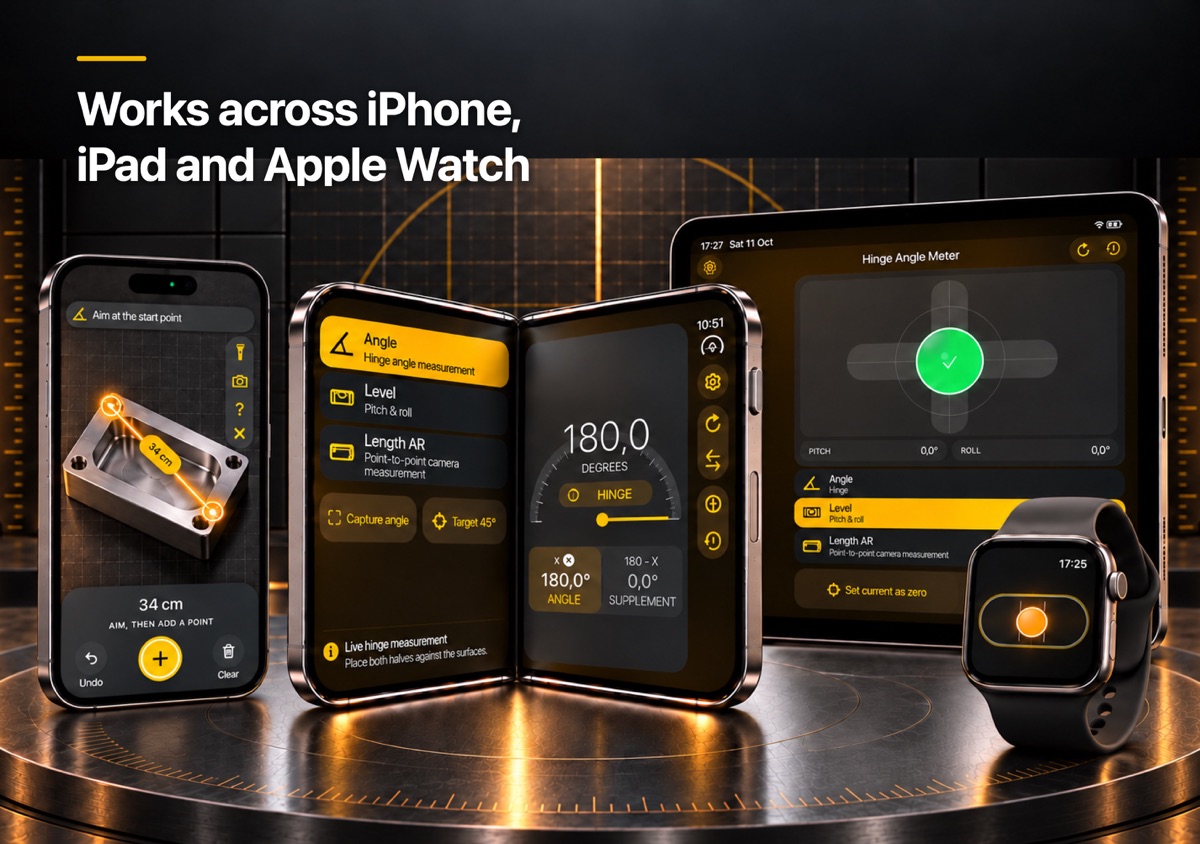
One small utility.
Several real jobs.
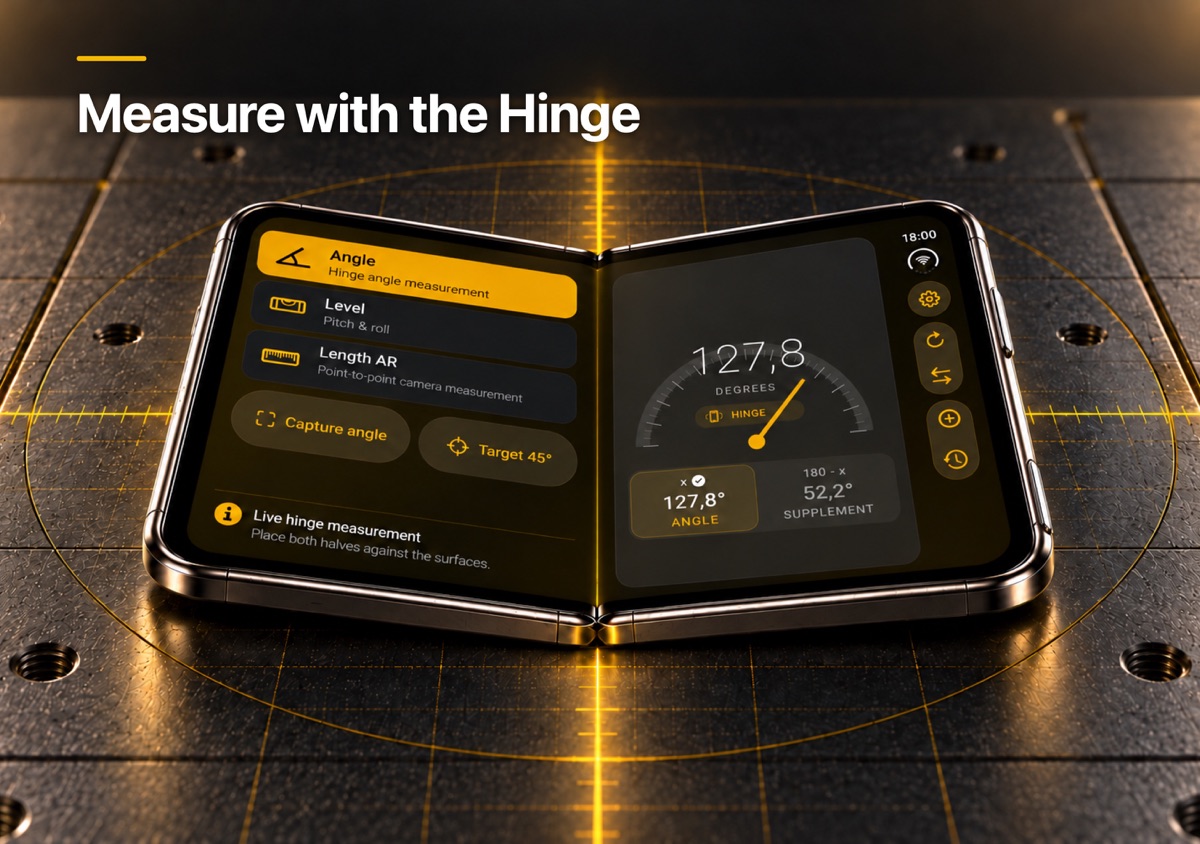
Live hinge angle
See the folding angle in real time on supported iPhone Duo hardware.
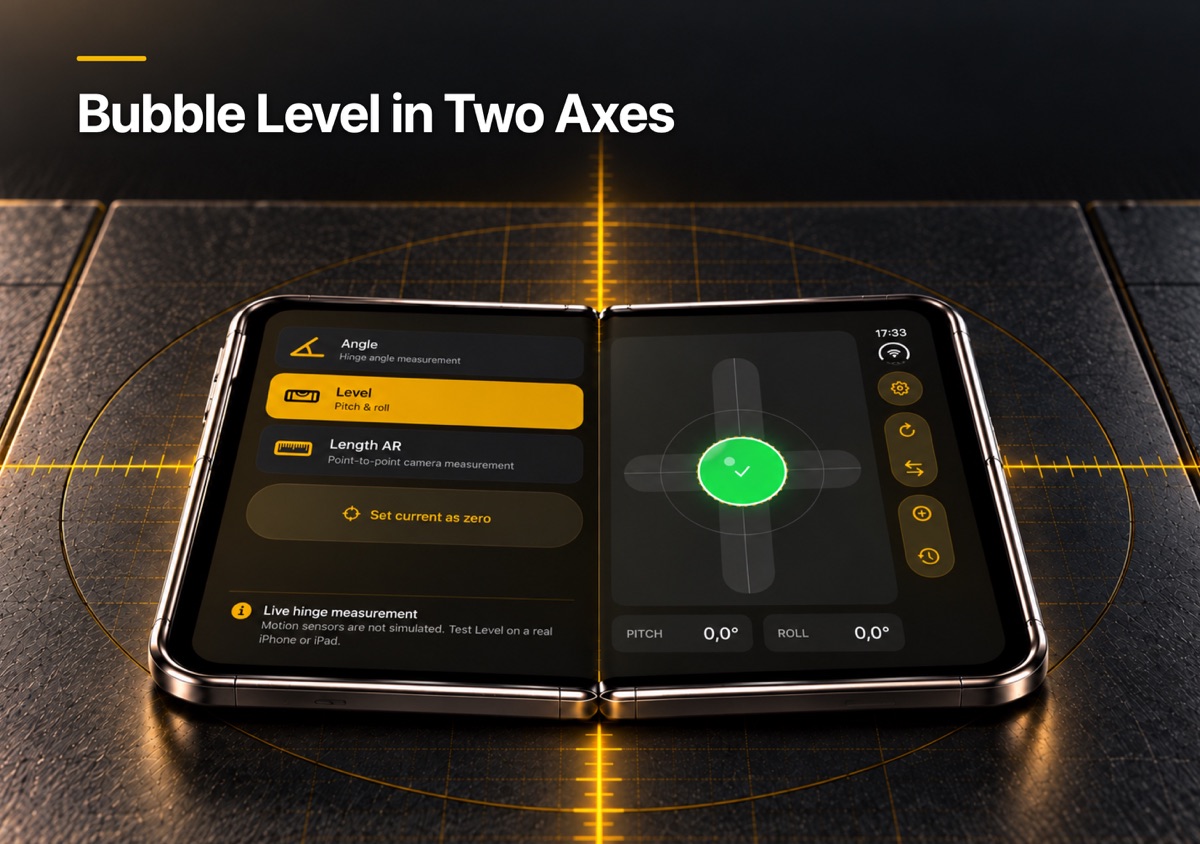
Level and calibration
Check pitch and roll, then zero the reading for relative measurements.
Target angles
Set, copy and compare angles when you need to reproduce a position.
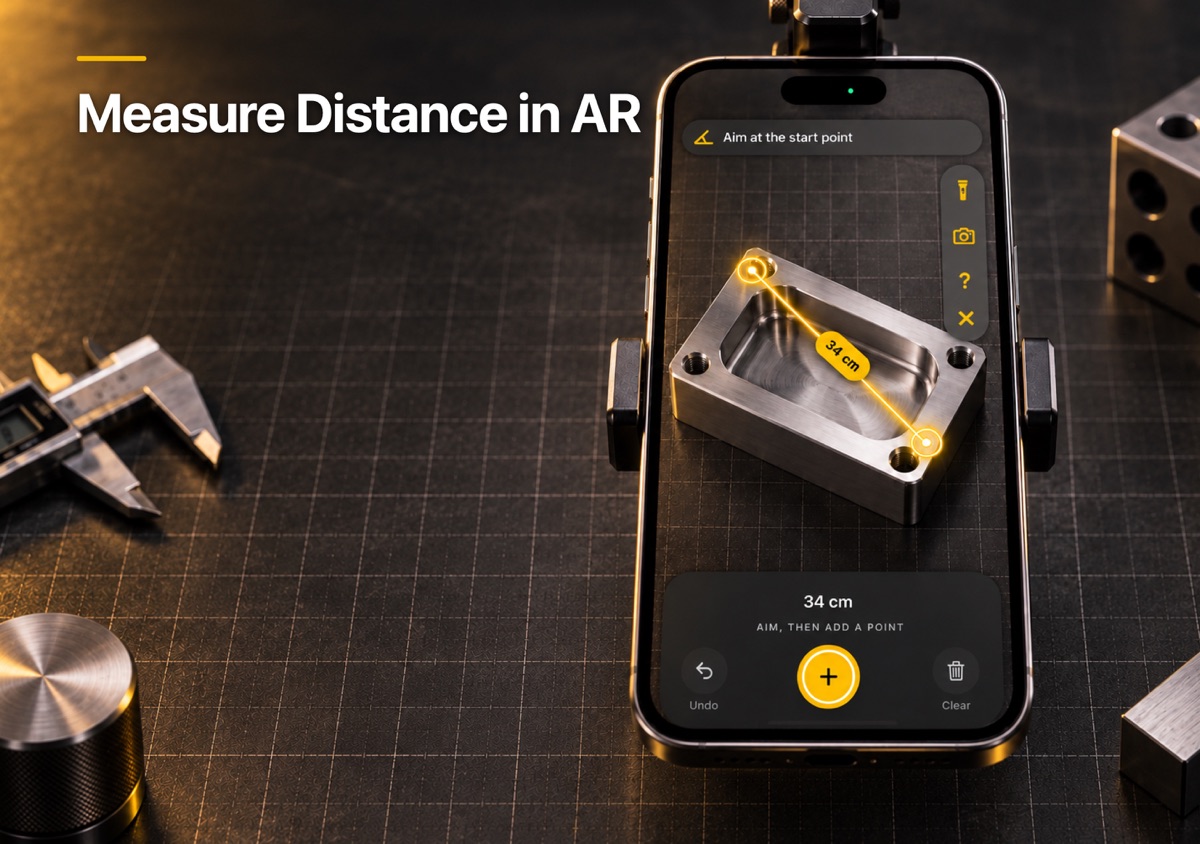
AR distance
Use the camera-based ruler when a quick length estimate is more useful than an angle.
A generic phone level measures the phone. A hinge-aware tool can measure the fold.
Apple’s built-in Measure app is useful for level and camera-based measurements on ordinary iPhones. Hinge Angle Meter adds a different capability on supported folding hardware: it can use the changing hinge position itself as the measurement input. The two tools can complement each other; Hinge Angle Meter is designed for the hinge-specific job.
Measure in three steps.
- 1
Open Hinge Angle Meter
Place the folding edges against the surfaces you want to compare.
- 2
Adjust the hinge
Move the device until the live reading reaches the angle you need.
- 3
Save or repeat
Use target, copy, complementary-angle and history tools for repeatable work.
Good to know.
Is it made for iPhone Duo?
Yes. Apple’s public product metadata lists iPhone Duo among the supported devices, and Hinge Angle Meter includes a live hinge-angle tool for supported folding hardware.
Does it still do anything on other iPhones?
Hinge Angle Meter includes level, target-angle, AR distance, history and Apple Watch tools that provide useful measurement functions beyond the hinge-specific mode.
Does it need an account or internet connection?
No account is required. The App Store description states that Hinge Angle Meter has no ads or analytics and does not require a network connection for its measurement tools.
What does it cost?
The verified U.S. launch price for Hinge Angle Meter is $0.99. The App Store displays the current local price for each storefront.